Alpha-N (Blender Add-on)
A downloadable add-on
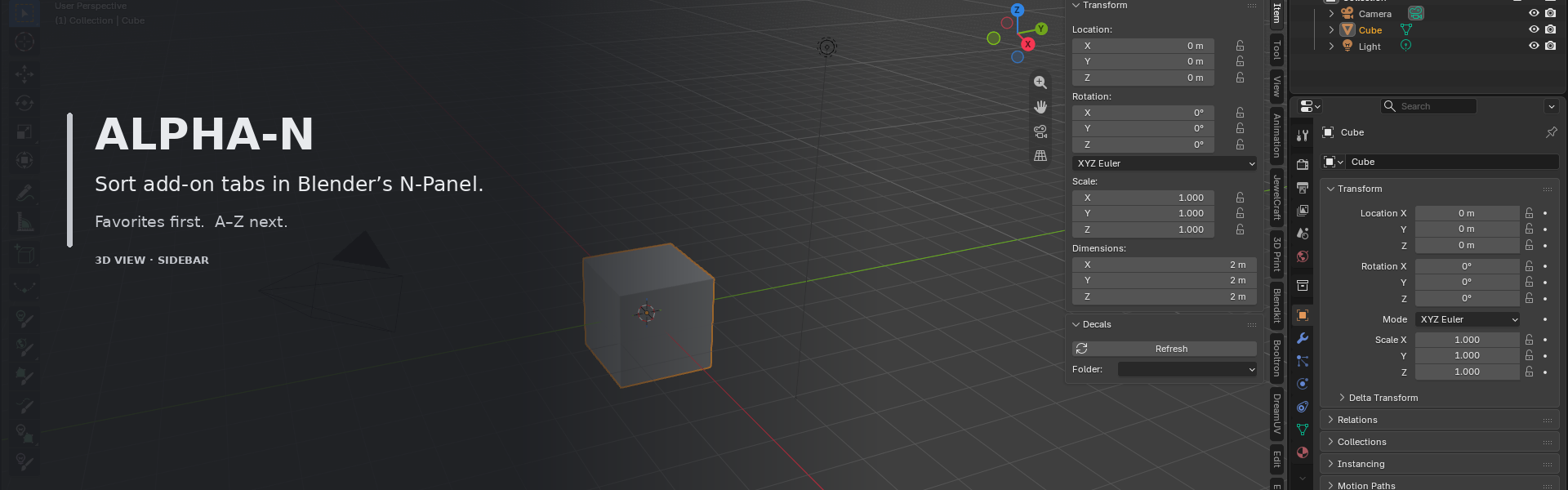
Sort add-on tabs in Blender’s N-Panel.
Blender’s built-in tabs stay where Blender puts them.
Favorite external add-on tabs come next.
Other add-on tabs follow A–Z.
Details
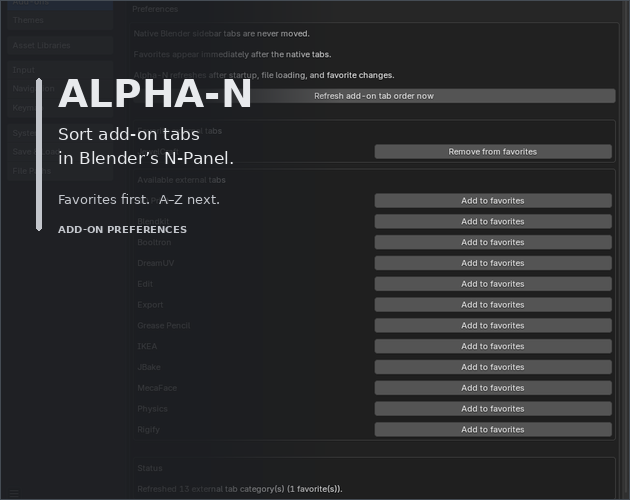
- Favorites are selected in Add-on Preferences
- Refreshes after Blender starts, after a file opens, and when favorites change
- Provides a visible Refresh add-on tab order now button in Add-on Preferences
- Uses no network access and has no external dependencies
Scope
- Works only in the 3D View sidebar
- Does not add an Alpha-N tab to the N-Panel
- Does not rename, hide, recolor, or restyle tabs
- Does not provide manual drag-and-drop layouts, profiles, or workspace rules
Compatibility
Verified runtime: Blender 5.2 on Windows.
License and source
Alpha-N is released under the MIT License. The Source Code download includes the complete source, its unit tests, and a manual Blender validation plan. The separate SHA-256 Checksums download verifies the add-on and source archives.
Alpha-N is an independent add-on and is not affiliated with Blender.
Download
Install instructions
Requirement: Blender 5.2 (verified on Windows).
- Download Alpha-N v2.0.5 — Blender Add-on (.zip).
- In Blender, open Edit → Preferences.
- Choose Install from Disk….
- Select Alpha-N-v2.0.5.zip itself. Do not extract the ZIP.
- Enable Alpha-N.
- Open Alpha-N’s Add-on Preferences and choose favorite external tabs.
Updating: Disable or remove any older Alpha-N installation first. Do not enable two Alpha-N copies at the same time.
Source Code and SHA-256 Checksums are optional downloads; they are not needed for normal installation.
Leave a comment
Log in with itch.io to leave a comment.